For everyone2 min read
From contact form to quote page
Someone used the Breskens Rigging Service contact form to ask for a quote. Fair enough, but a rigger needs more than one text box. So there's now a proper quote page, in steps, and without a traffic-light puzzle against spam.
It started with an ordinary message through the contact form. Except it wasn't a question, it was a quote request. Completely understandable: there was a text box, and the customer wanted to know what a job would cost.
The trouble is what such a message doesn't say. What kind of boat is it? How long? Is the mast deck-stepped or keel-stepped? Where is the boat, and when does it need to be done? Without those answers a rigger can't say anything yet, and the back-and-forth emailing begins.
If people already use the contact form to ask for a quote, you'd better give them a proper quote page. So now there is one.
One question at a time
The new page asks for everything needed to price a job without having to call back: which work, which boat and rig, where and when, and the customer's details. That's quite a few questions. So they come in steps, and each step is checked before you can move on.
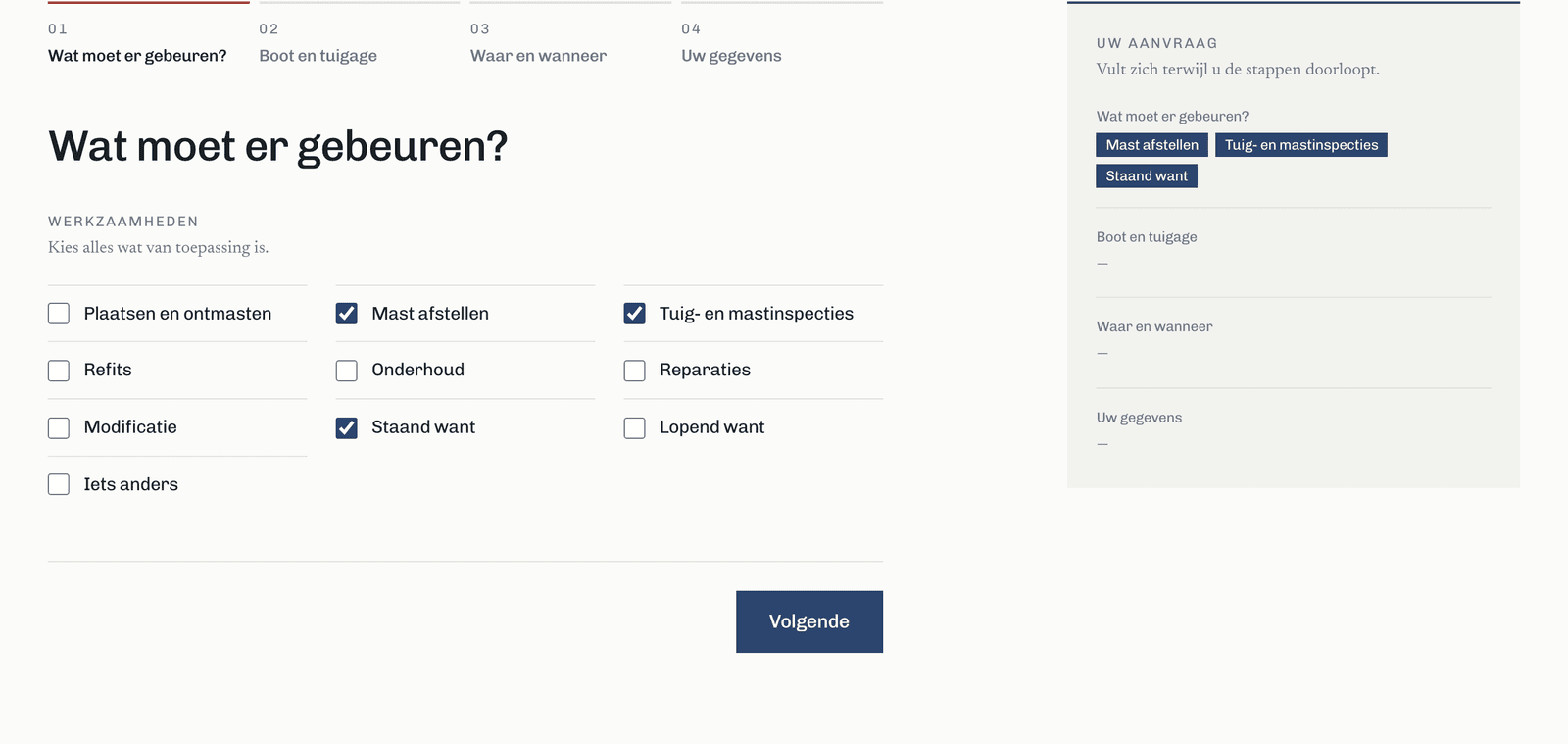
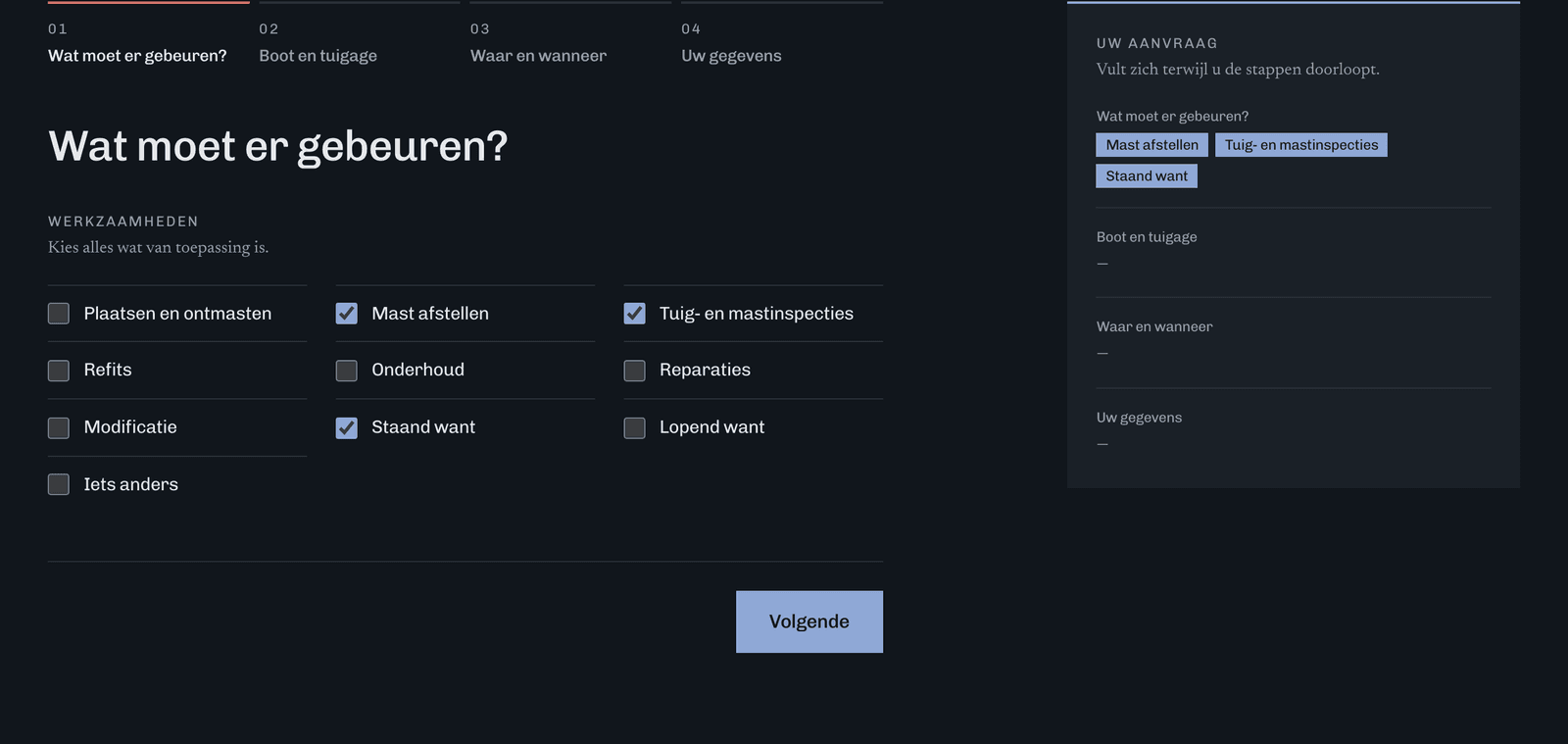
On a large screen, a summary sits beside the steps and fills up as you go. That way you always see what you've entered so far. A small but important detail: a step only shows up in that summary once you've opened it. Otherwise the default values would look as if you'd picked them.
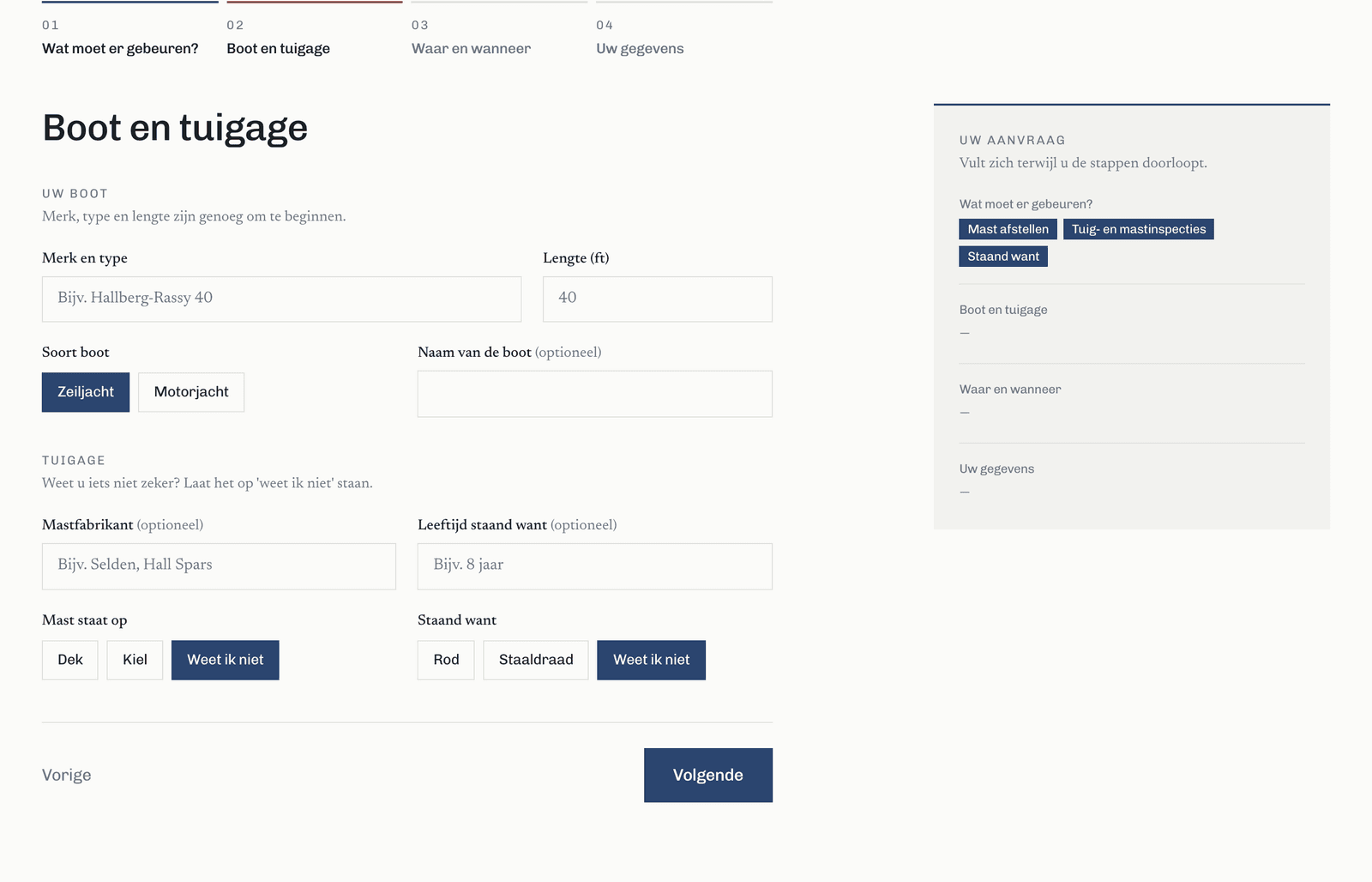
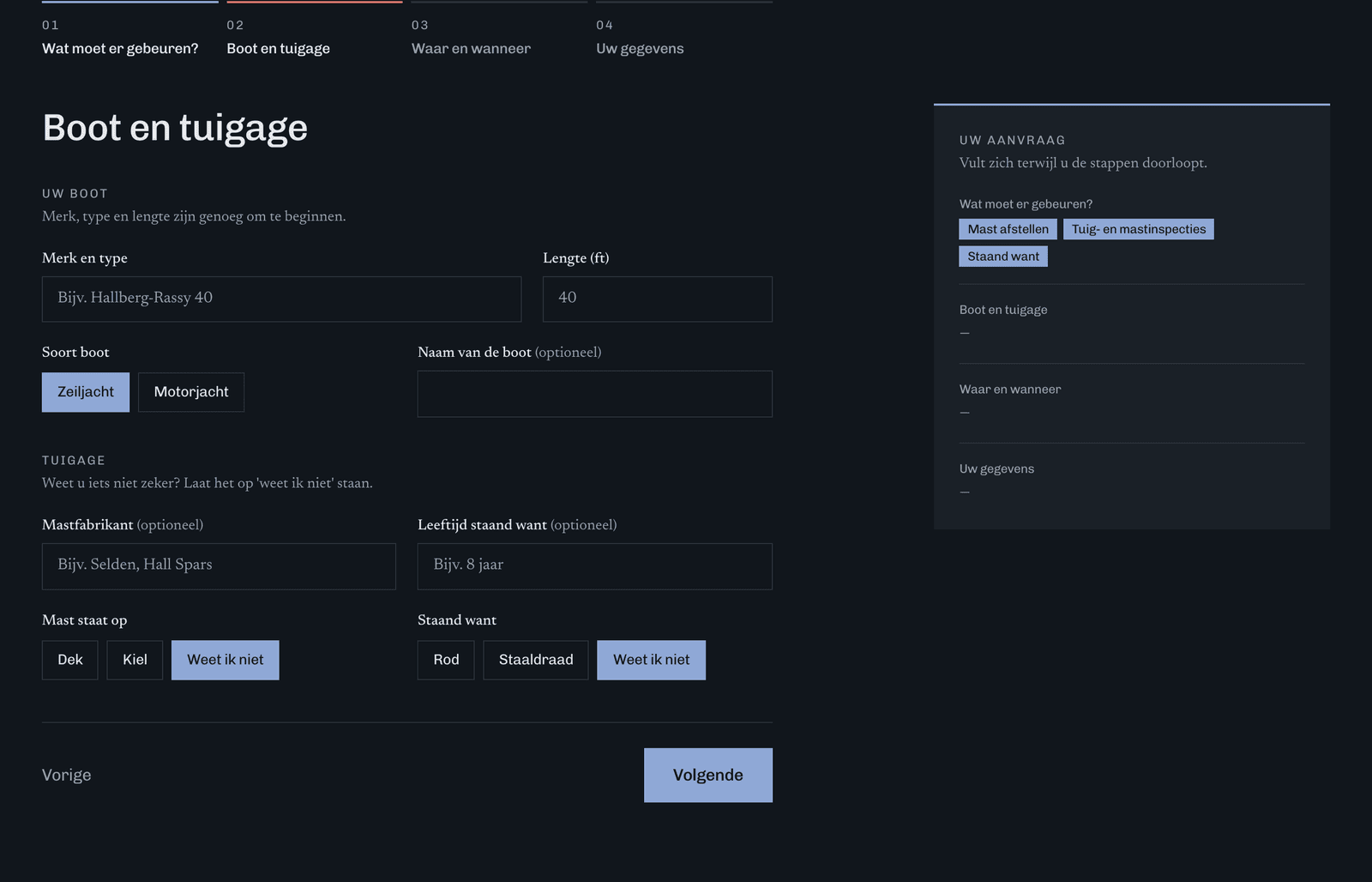
Not every boat owner knows off the top of their head how old the standing rigging is. No need: for questions like that you can pick ‘don't know’, and the rigger figures it out later.
On a phone
On a phone there's no room for a summary alongside. There it comes back as a final step, ‘check and send’, where each part links back to the step you filled it in.
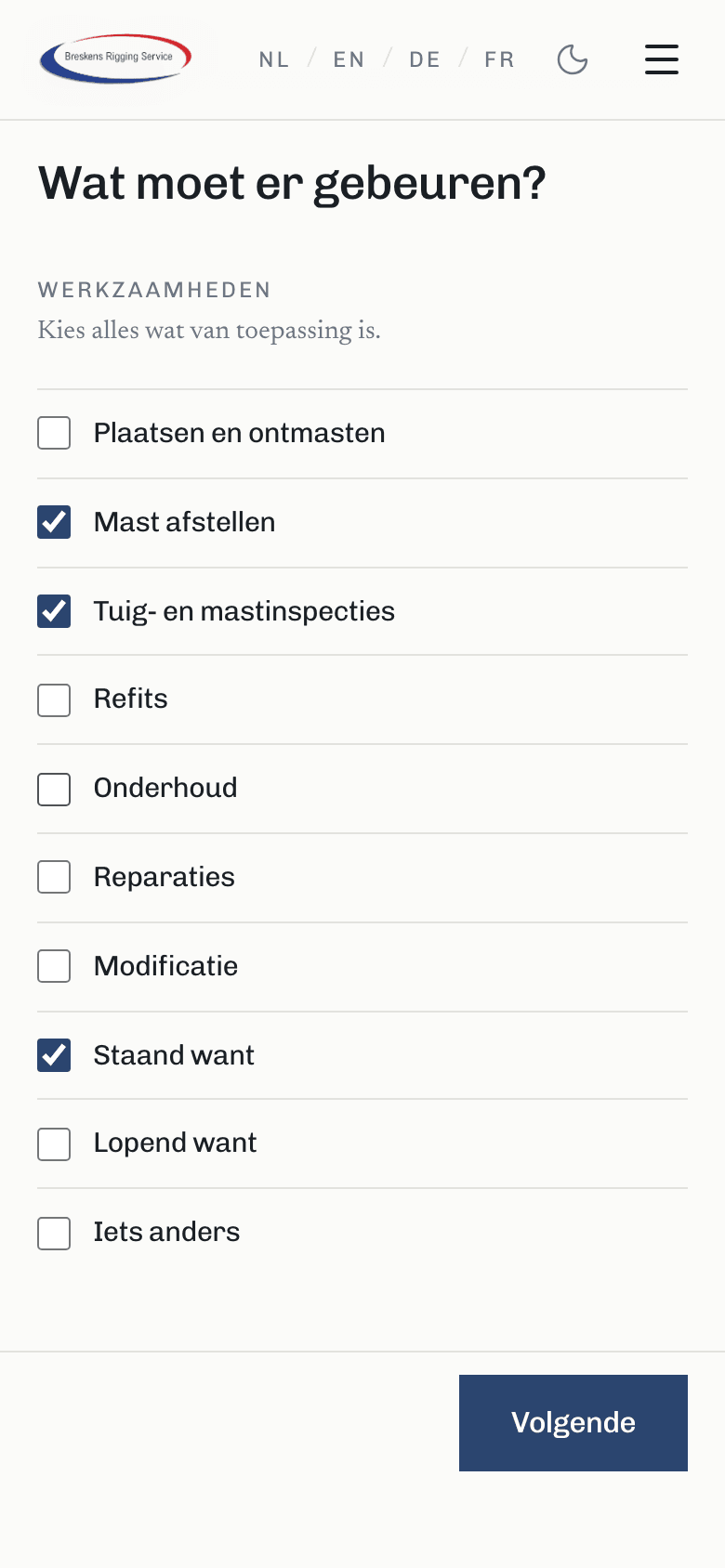
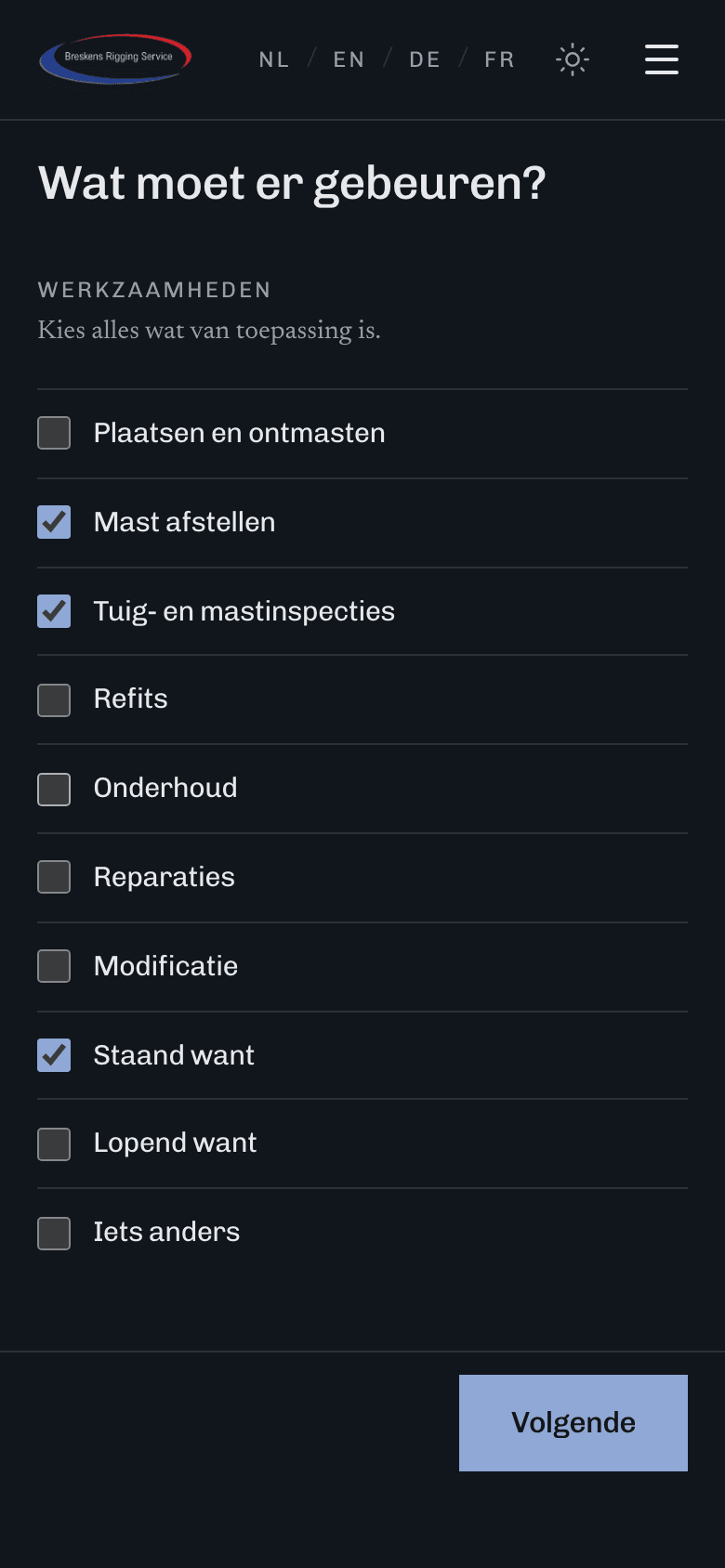
How the request arrives
The request goes out as one tidy email to the same inbox as the contact form: the work, the boat and rig, the mooring and planning, notes and the customer. Hitting reply goes straight to the customer. And the email is always in Dutch, whichever language the customer filled in the form in.
Spam without traffic lights
Every form on the internet attracts spambots (opens an external site). The familiar fix is a CAPTCHA (opens an external site): click all the traffic lights, then do it again because you missed one. Annoying for people, and many of those services set cookies on top.
This site uses a honeypot (opens an external site) instead: a pot of honey for bots. Both forms have an extra field people don't see. It sits off-screen, the tab key skips it and a screen reader (opens an external site) doesn't read it out. A bot dutifully fills in every field it finds, that one included. If the honey field is filled in, the sender gets the same response as always, but no email goes out. The bot thinks it worked, so it learns nothing.
There's more about the site in the case study.